> Documentation index: https://docs.hodeishield.com/llms.txt
# Risk engine
The risk engine combines three signal sources (scan, questionnaire, CVEs — see
[Core concepts](https://docs.hodeishield.com/en/product/core-concepts/)) into a 0–100 score per vendor, surfaced through two
complementary views:
## Composite score
The operational view: a number, a severity band (critical / high / medium / low /
informational), and the concrete findings that explain it, each linked to its supporting
evidence.
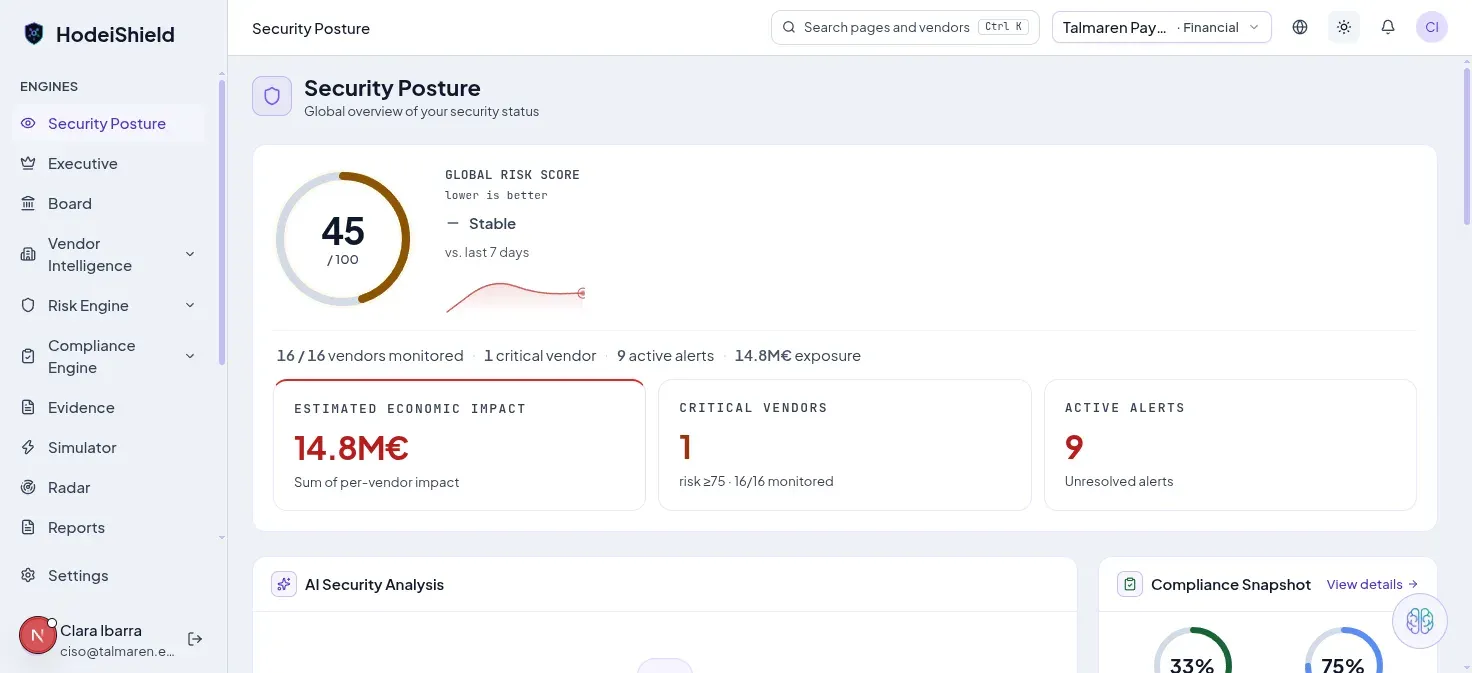
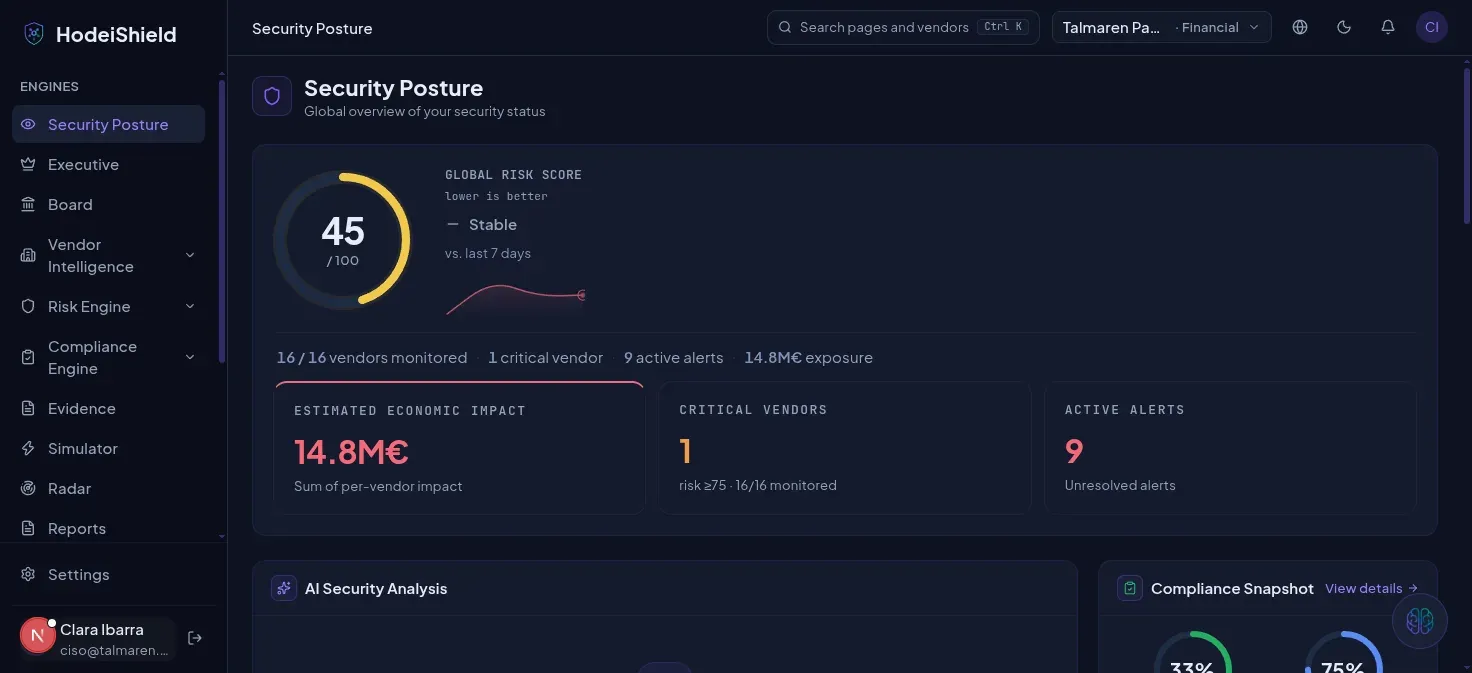
The main dashboard: global score (0–100, lower is better), aggregate economic impact
and critical vendors at a glance.
## Financial exposure (FAIR/ALE)
Operate plan and above
The leadership view: the same risk score, translated into an expected annual loss in euros
using the FAIR method (Factor Analysis of Information Risk). It lets you compare
heterogeneous vendors — a cloud provider and a consultancy — in the same unit, and
prioritize remediation by economic impact, not only by technical severity.
## Automatic re-scanning
A scan result is cached for a time that depends on the tenant's plan — once it expires, the
next visit to the vendor's detail page triggers a fresh scan:
| Plan | Scan cache | On-demand re-scan |
|---|---|---|
| Operate / Enterprise | 24 hours | Yes, with a minimum 24h gap between requests |
| Automate / Trial | 48 hours | Yes, with a minimum 48h gap between requests |
| Essentials / AI Governance / Free | 7 days | Not available on this plan |
The cache time can be adjusted per vendor according to its criticality.
## What a scan looks at
- DNS and TLS certificates
- Attack-surface exposure
- Known data breaches associated with the domain
- AI-assisted analysis (OVHcloud AI Endpoints) of the collected evidence
## Shared infrastructure
A scan reaches a supplier's public address. When that address belongs to a content delivery
network (CDN), a shared platform or a cloud provider, a finding on it may describe the
provider's equipment and not the supplier's own server. Each finding is therefore tagged with
the provider it was attributed to and how sure we are, and its weight in the technical score
depends on the kind of infrastructure:
| Kind of infrastructure | Weight of the finding in the score |
|---|---|
| CDN edge | Not counted |
| Shared platform | A quarter |
| Cloud instance of the supplier | Counted in full |
The vendor page shows the tag on each finding, how many findings are excluded and why, and how
many sit on shared infrastructure. When a decision changes a score, the change appears in the
supplier's score history. A finding marked as an accepted risk keeps its weight and is tagged
as accepted. A finding marked as a false positive, or one the supplier disputed and you
accepted, stops counting.
## Continuous monitoring
Beyond the periodic re-scan cycle, some findings (a newly published critical CVE, a new
breach) trigger an immediate re-evaluation of the affected vendor, without waiting for the
next cycle — and an alert if you have a routing rule configured for that event type (see
[Getting started → Set up alerts](https://docs.hodeishield.com/en/guides/getting-started/#alerts)).
## Frequently asked questions
### How often are my vendors re-scanned?
A scan result is cached for a time that depends on your plan: 24h on Operate/Enterprise,
48h on Automate/Trial, and 7 days on Essentials/AI Governance/Free. Once that time passes, the next
visit to the vendor's detail page triggers a fresh scan. See
[Automatic re-scanning](#automatic-re-scanning).
### Can I force a scan outside the normal cycle?
Yes, from the vendor's detail page with **Request scan**, on Automate and higher plans
(with a minimum gap between requests). Essentials does not include on-demand re-scanning.