> Documentation index: https://docs.hodeishield.com/llms.txt
# Decision register
Every time your organization decides something about a vendor — onboard it, renew its access,
review it after an incident, retire it — HodeiShield keeps a record of that decision instead of
leaving it in an email thread or in the memory of whoever made the call.
## What it records
A decision has a **type** (onboarding, renewal, incident review, periodic review, or
offboarding) and moves through a fixed set of states: proposed → under review → approved
(with or without conditions) or rejected, with a path to defer a decision and to rescind one
already approved. A rejection or a rescission are terminal: they don't reopen within the same
decision.
```mermaid
stateDiagram-v2
[*] --> proposed
proposed --> under_review: start review
proposed --> deferred: defer
under_review --> approved: approve
under_review --> conditional_approved: approve with conditions
under_review --> rejected: reject
under_review --> deferred: defer
deferred --> under_review: resume
deferred --> rejected: reject
conditional_approved --> approved: conditions met
conditional_approved --> rescinded: rescind
approved --> rescinded: rescind
rejected --> [*]
rescinded --> [*]
under_review: under review
conditional_approved: conditionally approved
```
*Exact transitions from `ALLOWED_TRANSITIONS`. `rejected` and `rescinded` are terminal states:
the code has no outgoing arrow for either, and this diagram invents none.*
## What backs it
A decision can link the evidence that supports it — a risk assessment, an answered
questionnaire, a compliance snapshot, an external report — so approving or rejecting a vendor
leaves a trail of why, not only of what was decided.
## Who uses it
The security team and tenant administrators, as part of onboarding or reviewing a vendor — see
the [Security team guide](https://docs.hodeishield.com/en/roles/security-team/) and
[Administrator guide](https://docs.hodeishield.com/en/roles/admin/).
## How to get there
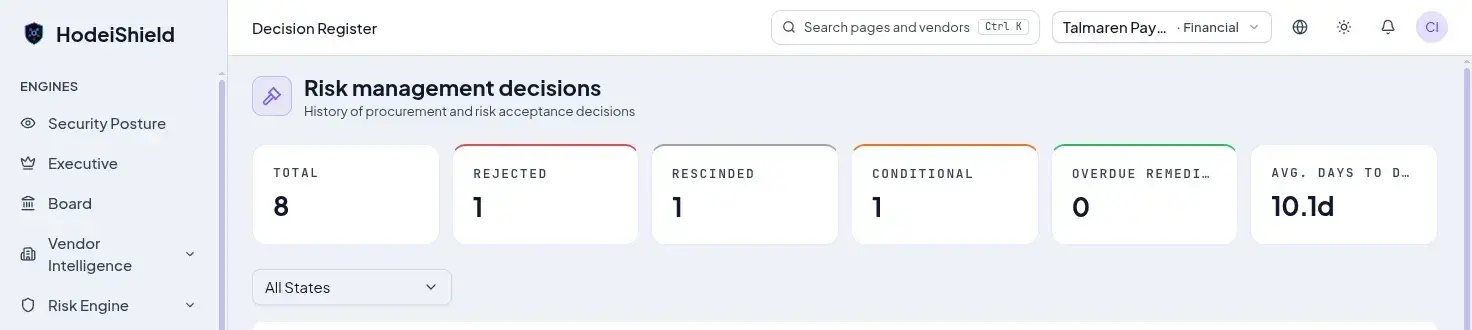
From **Decisions** in the sidebar. The panel summarizes how many decisions are open, under
review, and resolved over the last 12 months.
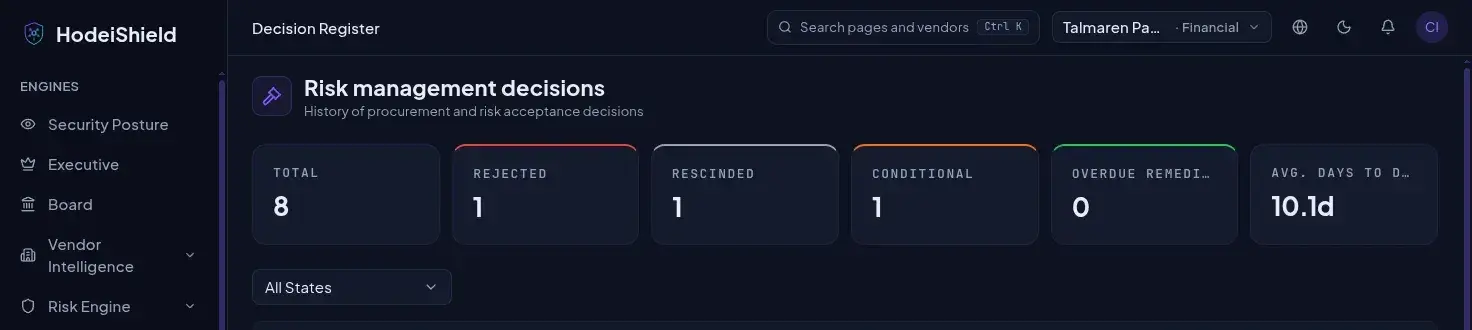
The register's summary panel: how many decisions sit in each state and the average
time to resolve them.
## Honest limits
The decision register does not replace your procurement process, and it is not a legal
signature flow: it is an auditable record of what was decided and on what evidence, inside
HodeiShield.