> Documentation index: https://docs.hodeishield.com/llms.txt
# Compliance
HodeiShield automates evidence and tracking for several regulatory frameworks on top of
the same risk data, instead of managing them as separate programs. The frameworks below are
the ones the product helps you manage, document and track; the controls it provides guide your
work, are not legal advice and do not certify compliance with any of them.
## Supported frameworks
17 frameworks, with the same evidence automation on top of the same risk data. Exact
availability depends on the tenant's plan:
- **ENS** — Spain's National Security Framework
- **NIS2** — EU cybersecurity directive
- **DORA** — EU financial sector digital operational resilience
- **GDPR** — EU data protection
- **SOC 2**
- **ISO 27001** — information security management
- **ISO 42001** — AI management
- **NIST CSF 2.0**
- **PCI DSS v4.0** — payment card data
- **EU AI Act** (Regulation (EU) 2024/1689)
- **HIPAA** — Security Rule (US healthcare)
- **CMMC 2.0** — US defense industrial base
- **Cyber Essentials** (United Kingdom)
- **UAE IA (NESA)** — United Arab Emirates
- **SAMA CSF** — Saudi Arabia, financial sector
- **ECC-1:2018 (NCA)** — Saudi Arabia
- **Nigeria NDPA 2023**
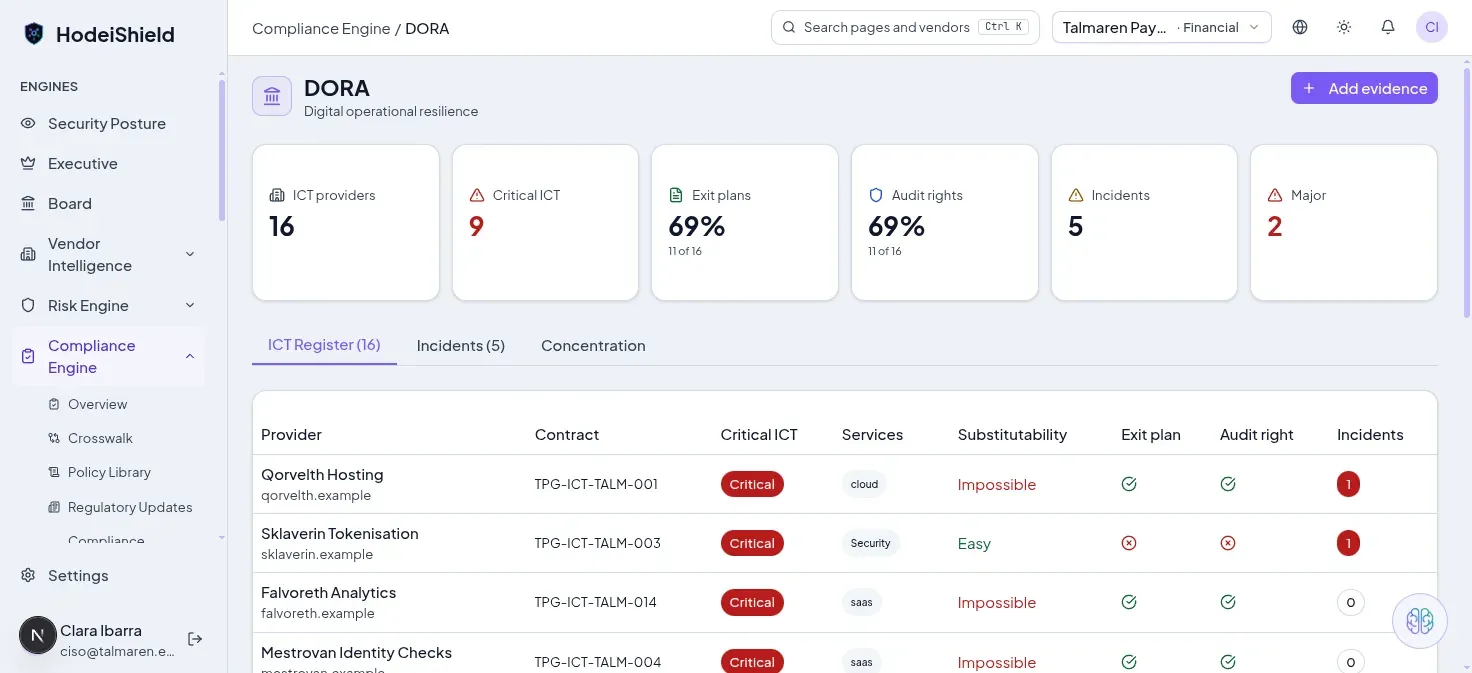
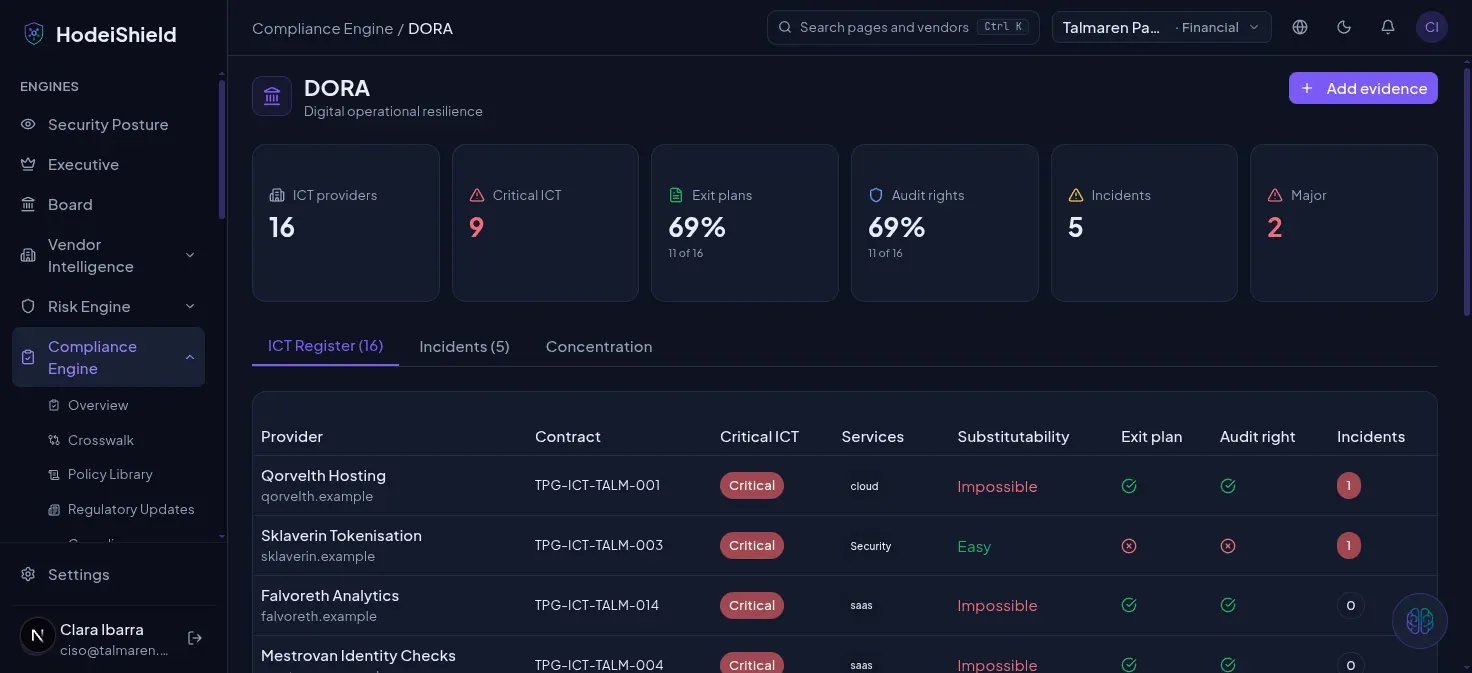
DORA's ICT register: critical providers, exit-plan and audit-right coverage, and
incidents per provider.
## How it works
1. **Profiling** — declare which frameworks apply to you and, where the framework requires
it (like ENS), your system's profile (category, security dimensions).
2. **Controls** — each framework breaks down into its own controls or measures (ENS's 74
controls, NIS2's 10 measures under Art. 21(2), DORA's critical ICT providers…). Every
control is linked to the evidence that supports it.
3. **Evidence** — upload or link the evidence (policy, screenshot, audit report, scan
result) that proves a control is met. See [Evidence](#evidence).
4. **Posture** — an aggregated panel per framework shows what share of controls is
covered, which have expired evidence, and which have none at all.
## Compliance roadmap
A prioritized work plan: which control to tackle first based on its weight in the
framework and estimated effort, so you move from "no evidence" to prepared for an audit in the
right order, not the alphabetical one.
## Evidence
Every piece of evidence has an owner, a validity date, and a status (current / about to
expire / expired). Expired evidence stops counting toward the framework's posture until
renewed — the platform doesn't silently drop it, it flags it.
## Cross-framework mapping
The same technical control (encryption in transit, for instance) often shows up in several
frameworks at once. The crosswalk links one physical control to every regulatory
obligation it satisfies, so you don't duplicate the work of evidencing it.
## Security incidents and notification deadlines
For every incident the console calculates which notification deadlines run, according to the
framework that applies to you (DORA, NIS2, GDPR and, if the incident involves a high-risk AI
system, the AI Act). The calculation is **guidance only**: the verdict and the report drafts
are an estimate, and the decision and the notification are always yours.
- **Registering is not notifying.** Creating a DORA incident does not notify any authority,
and the console sends nothing to any authority. Once you have notified it yourself, use
**Register initial notification** (the notification date and the reference the authority
gave you). The intermediate and the final report then become due.
- **Close incident** records the resolution date.
- **Assess possible major.** When the DORA classifier cannot rule out that an incident is major
(for example it affects critical services but the thresholds have not been measured), it
marks it as *possible major* and raises an alert. You decide with **Assess possible major**:
major or not major, with an optional note.
- Only a **tenant administrator** can perform these three acts; each one is audited with its
date, its author and the previous and new values.
- **No retroactive notices.** If the console recalculates the deadlines of an incident nobody
has saved, the deadlines it creates or moves raise no notices. Deadlines that predate the
update keep notifying.
## Entity data (Regulatory scope)
Under **Settings › Organisation › Tenant › Regulatory scope** you declare the data that decides which
deadlines are calculated. Until you declare it, the console applies the strictest assumption
and every incident shows a warning.
- **Financial entity subject to DORA**: yes or no. If you are, DORA deadlines are calculated
and NIS2 ones are not (DORA is the sector-specific rule).
- **GDPR role**: *controller* or *processor*. The controller notifies the supervisory authority
within 72 hours of becoming aware of the breach (Art. 33.1). The processor notifies the
controller without undue delay (Art. 33.2) and gets a draft addressed to the controller,
not to the authority.
- **GDPR risk assessment**, documented per incident: the exception to notifying the authority
is decided by that assessment, not by the severity of the incident.
- **NIS2 class**: essential, important or out of scope. Out of scope, no NIS2 deadlines are
calculated.
- **High-risk AI (AI Act, Art. 6)**, asked per incident: only a high-risk system generates the
Art. 73 deadlines. Application dates follow Regulation (EU) 2026/1744.
When you save, the deadlines of open incidents are recalculated.
## Reports and privacy notice
Incident report drafts are generated in the interface language (all six available languages)
and are not presented as an official ESA template.
The console privacy notice is public, with no sign-in needed, at
[app.hodeishield.com/privacy](https://app.hodeishield.com/privacy). It explains in which role
HodeiShield processes personal data, for which purposes, retention periods and subprocessors,
and how to exercise your rights. It is linked from the sign-in page, the footer and My account.
The list of providers is on [Subprocessors](https://docs.hodeishield.com/en/legal/subprocessors/).
## Frequently asked questions
### Which regulatory frameworks does HodeiShield support?
Several, including ENS, NIS2, DORA, GDPR, SOC 2, ISO 27001, and ISO 42001. Exact
availability depends on your plan: see [Supported frameworks](#supported-frameworks).
### Does one control count toward several frameworks?
Yes, through the cross-framework mapping: see [Cross-framework mapping](#cross-framework-mapping).